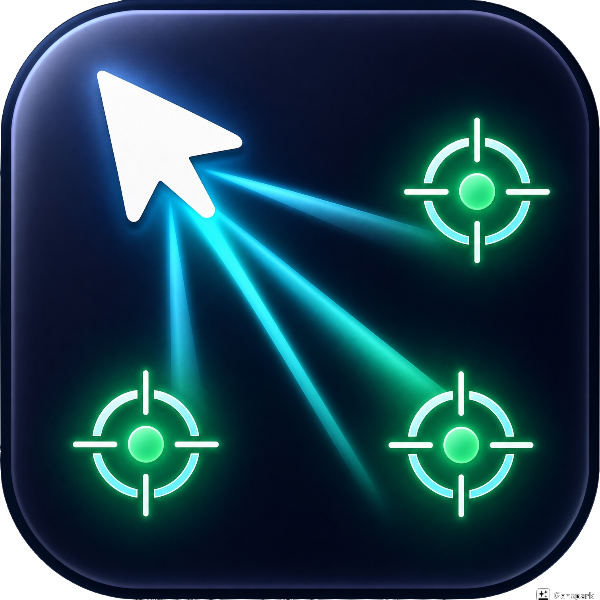
MultiClick for Windows
Multiclick
Point. Arm.
Fire. Multiclick lets you define one source position and up to three target positions anywhere on screen.
When you press your assigned hotkey, the app sends simultaneous left-click actions to every point — one source click plus all target clicks, all in a single frame. Built on Windows SendInput with absolute virtual-desktop coordinates, it works reliably in games, applications, and full-screen environments.
Perfect for gaming, automation, and productivity workflows where simultaneous multi-point clicking matters.
Simultaneous multi-point clicking
one source plus up to three targets, all in a single frame
Live tactical-reticle screen markers
color-coded blue for source, green for targets, with chroma-key transparency
Global hotkeys (SPACE or F6–F12)
one tap fires every point, no alt-tabbing required
Armed capture mode
glowing pulse and system-wide pointing hand when waiting for input
Always-on-top toggle with click-through screen markers
manage positions without losing your workspace
Built on Windows SendInput with absolute virtual-desktop coordinates
pixel-perfect every time
No config files, no scripting
settings persist between sessions automatically
3D depth design with deep-space
dark professional theme and vibrant accent colors